Material Inspections
Inspections in the Material category look at material slots and the node trees of assigned materials.
No Material Assigned
Severity: Error
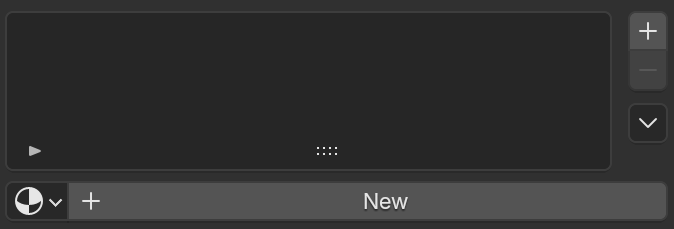
Finds meshes that have faces but zero material slots. Without a material, the object falls back to Blender's default viewport/render material.
Empty Material Slot
Severity: Error
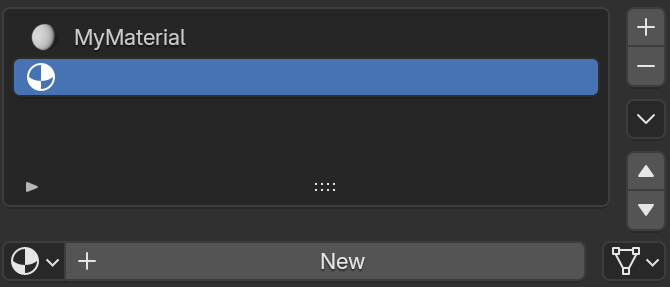
Finds material slots that exist on the object but have no material assigned to them. The count shown is the number of empty slots.
Face With No Material
Severity: Error
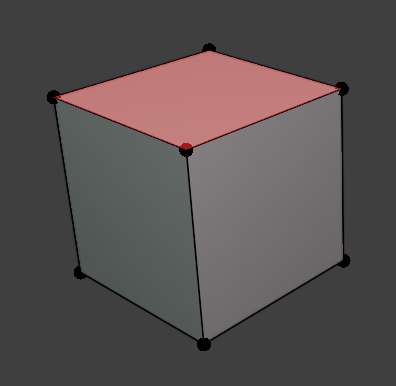
Finds faces whose material slot index is empty or points outside the object's slot list. These faces render with no material.
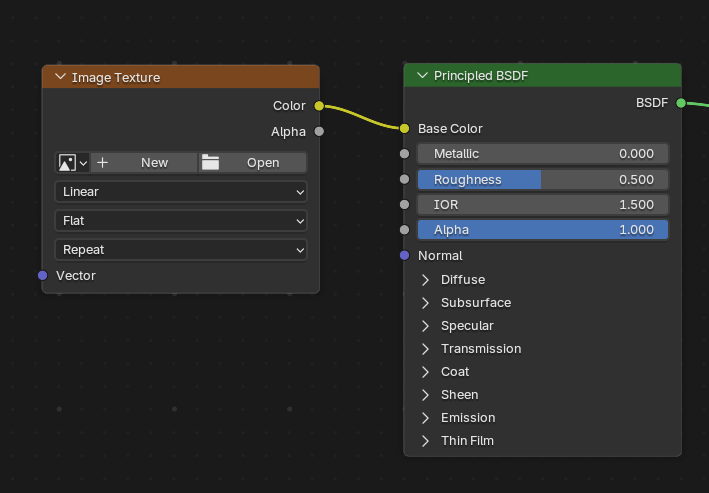
Missing Image Texture
Severity: Error
Finds faces whose assigned material contains an Image Texture node (including inside node groups) with no image loaded. Renders as pink/black in Blender and most engines.
Duplicate Material
Severity: Warning
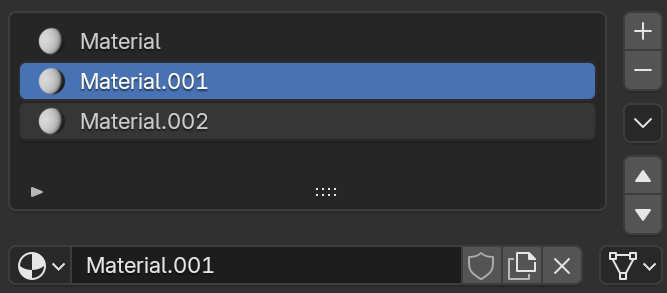
Finds materials with a Blender auto-generated .001style duplicate name, where the original un-suffixed material also still exists in the file. This usually means the same material was accidentally appended or duplicated instead of reused.