Mesh Inspections
Inspections in the Mesh category look at topology and transforms. All of them read the object's evaluated mesh (post-modifiers) unless noted otherwise.
Inspection Note
Many of these mesh inspections detect common issues that are not always an issue for meshes. If you for example are using Ngons in your workflow, feel free to disable that inspection.
Ngons
Severity: Error
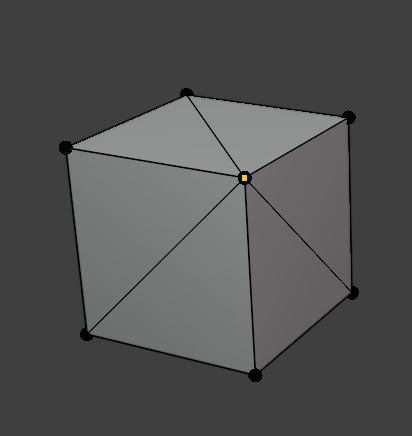
Finds faces with more than 4 vertices. N-gons can triangulate unpredictably, cause shading artifacts, and often indicate topology that hasn't been cleaned up.
Tris
Severity: Warning
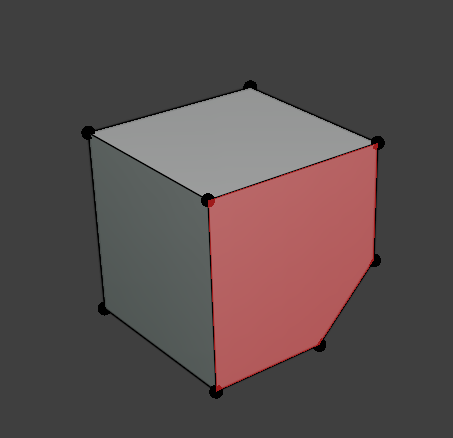
Finds triangular faces (3 vertices). Not necessarily an error as tris are sometimes intentional or unavoidable. However it is worth reviewing this if you expect an all-quad mesh for subdivision or retopology work.
Loose Verts
Severity: Error
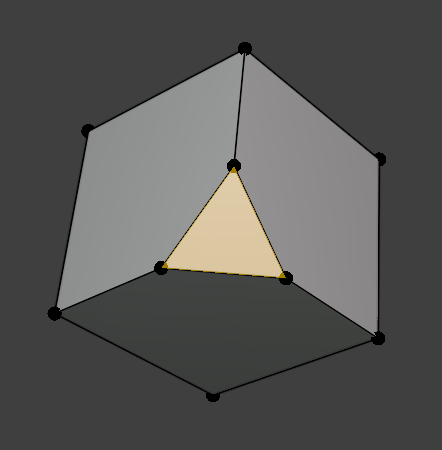
Finds vertices that aren't connected to any edge. These add nothing to the mesh and are usually leftover from deleting geometry.
Non-Manifold
Severity: Error
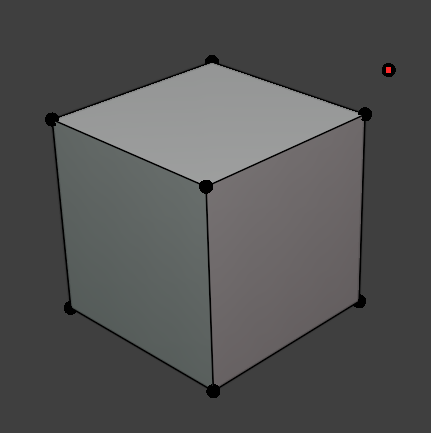
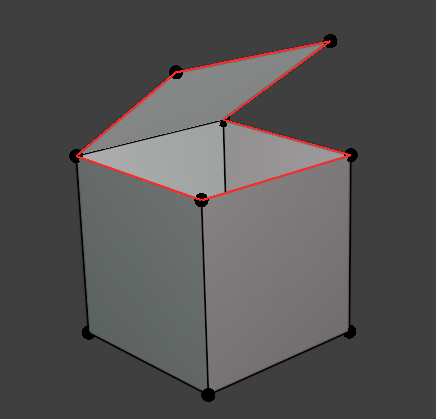
Finds edges shared by a number of faces other than 2 (i.e. boundary edges shared by only 1 face, or edges shared by 3+ faces). Non-manifold geometry can break modifiers, booleans, and 3D printing/export pipelines.
Double Verts
Severity: Error
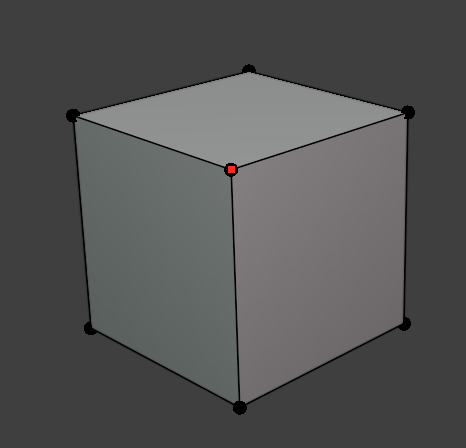
Finds vertices within a small merge threshold (0.0001, matching Blender's default Merge by Distance) of another vertex. Duplicate, coincident vertices usually mean an accidental merge failure or import artifact.
Interior Faces
Severity: Error
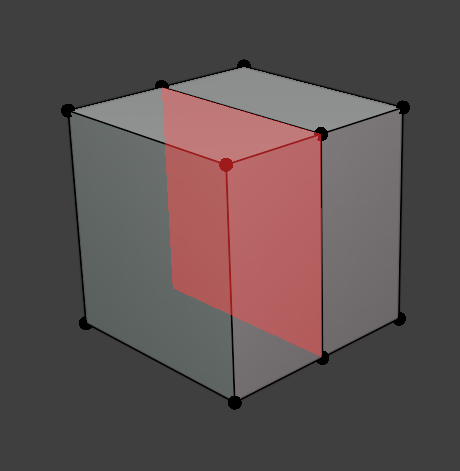
Finds faces where every edge is shared by more than 2 faces. Indicates that geometry is buried inside the mesh with no exterior boundary. Common after boolean operations or bad merges.
Inverted Face
Severity: Error
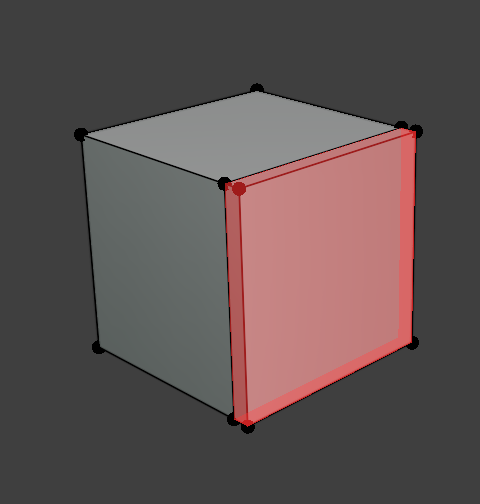
Finds faces whose normal disagrees with a neighboring face across a shared edge. Inverted normals cause inside-out shading and lighting errors.
Overlay: highlighted faces.
Unapplied Transform
Severity: Error
Finds objects with a rotation or scale that hasn't been applied (i.e. the object's rotation/scale isn't identity). Unapplied transforms can cause inconsistent behavior with modifiers, physics, and exports.

N Poles
Severity: Warning
Finds vertices connected to 6 or more edges (high valence). High-valence poles tend to cause visible pinching under subdivision.