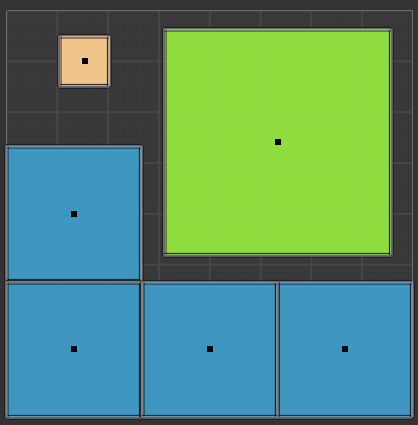
UV Inspections
Inspections in the UV category look at the object's active UV map.
Missing UV Map
Severity: Error
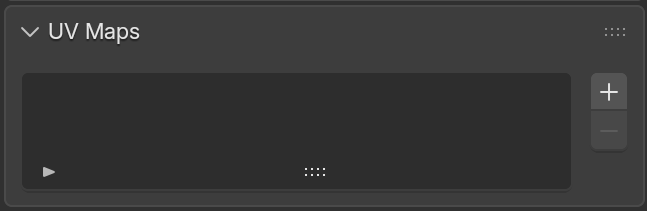
Finds meshes that have no UV layer at all. Without UVs, texturing and baking aren't possible.
Extra UV Maps
Severity: Warning
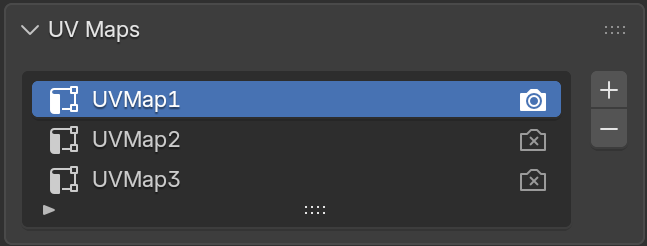
Finds meshes with more than one UV map. Extra, unused UV maps bloat file size and can cause confusion about which map is actually used for texturing/baking.
Overlapping UVs
Severity: Warning
Finds faces whose UV islands overlap another face's UVs. Overlapping UVs are sometimes intentional (tiling/mirrored islands) but can cause unwanted texture bleed when baking.
Zero Area UVs
Severity: Error
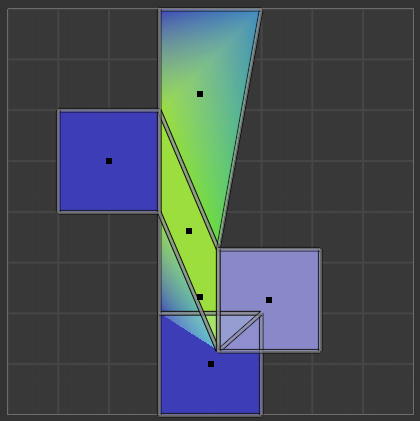
Finds faces collapsed to zero or near-zero area in UV space. A face with no UV area can't display a texture correctly. Normally occurs when a proper UV unwrap has yet to be performed.
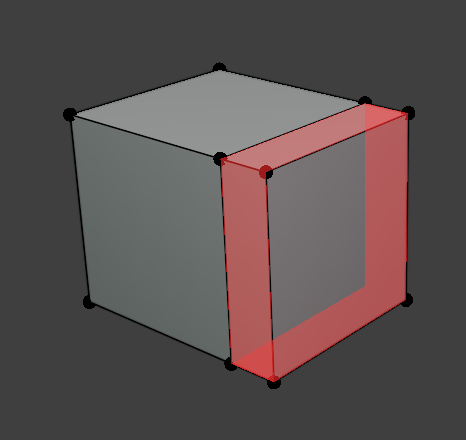
UVs Out of 0-1 Bounds
Severity: Warning
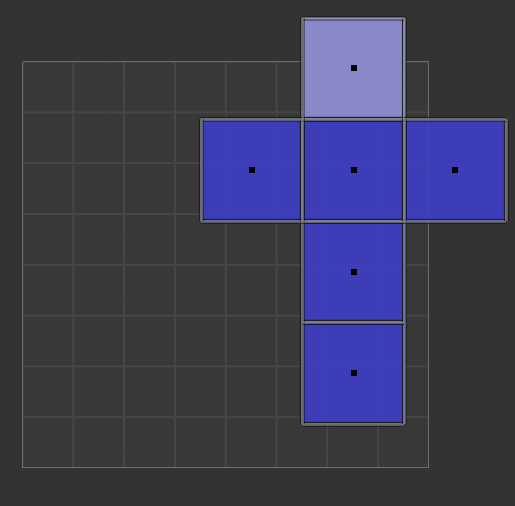
Finds faces with UV coordinates outside the standard 0–1 tile. Sometimes intentional (UDIMs, tiling), but often means the UVs need to be packed.
Stretched UVs
Severity: Warning
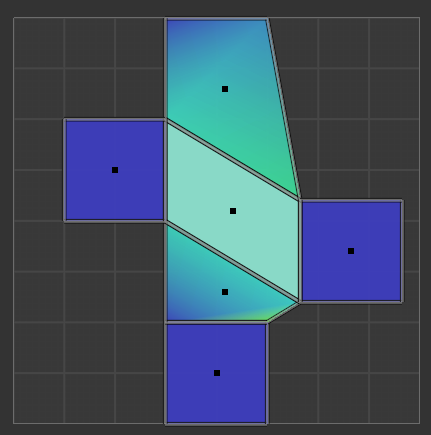
Finds faces with stretched UVs, relative to their 3D shape where the mapping is compressed along one direction and expanded along another, rather than scaled evenly.
Inconsistent Texel Density
Severity: Warning
Finds faces whose UV texel density deviates significantly from the mesh's average. Faces mapped notably denser or sparser than that average are flagged.